Learn AI on fits.net
Curated tutorials you can follow along with on your GPU desktop. Watch the video, code along in your instance.
PyTorch Fundamentals Works on all tiers

Andrej Karpathy: Neural Networks Zero to Hero
Build GPT from scratch. The best deep learning course for understanding transformers.
~20 hours total
Official PyTorch Beginner Series
6-part official series covering tensors, datasets, training loops, and deployment.
~3 hours total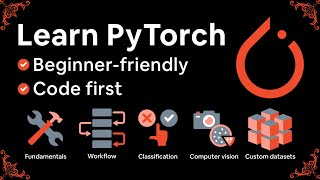
Learn PyTorch for Deep Learning (Zero to Mastery)
Comprehensive course with notebooks. Great for hands-on learning.
~25 hoursOllama & Local LLMs

Ollama Crash Course Easy install
Run Llama, Mistral, and other models locally. One-line install: curl -fsSL https://ollama.com/install.sh | sh

Build with Ollama + Python
Create your own chat interface using Ollama's API and Python.
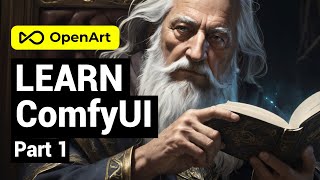
~20 minImage Generation Builder tier recommended (8GB+ VRAM)

Jupyter Notebooks Works on all tiers
JupyterLab Pre-installed
Interactive Python notebooks for data science and ML. Already on your desktop - just run it.
AI Coding Tools Works on all tiers
Claude Code Pre-installed
AI coding assistant in your terminal. Just run claude to start.
Gemini CLI Pre-installed
Google's AI in your terminal. Just run gemini to start.
Quick Start Commands
Run these in your desktop terminal to get started:
# Install & run a local LLM
curl -fsSL https://ollama.com/install.sh | sh && ollama run llama3.2:3b
# Launch JupyterLab (pre-installed)
jupyter lab
# Launch ComfyUI (pre-installed) - or use desktop shortcut
source ~/comfyui-venv/bin/activate && python ~/ComfyUI/main.py --listen
# Check GPU is working
python3 -c "import torch; print(torch.cuda.is_available())"
# Start AI coding assistant
claude
# Start Gemini CLI
gemini
Ready to start learning?
Get your own GPU desktop and follow along with any of these tutorials.
Get Started — $10/mo